Your shopping cart is empty!
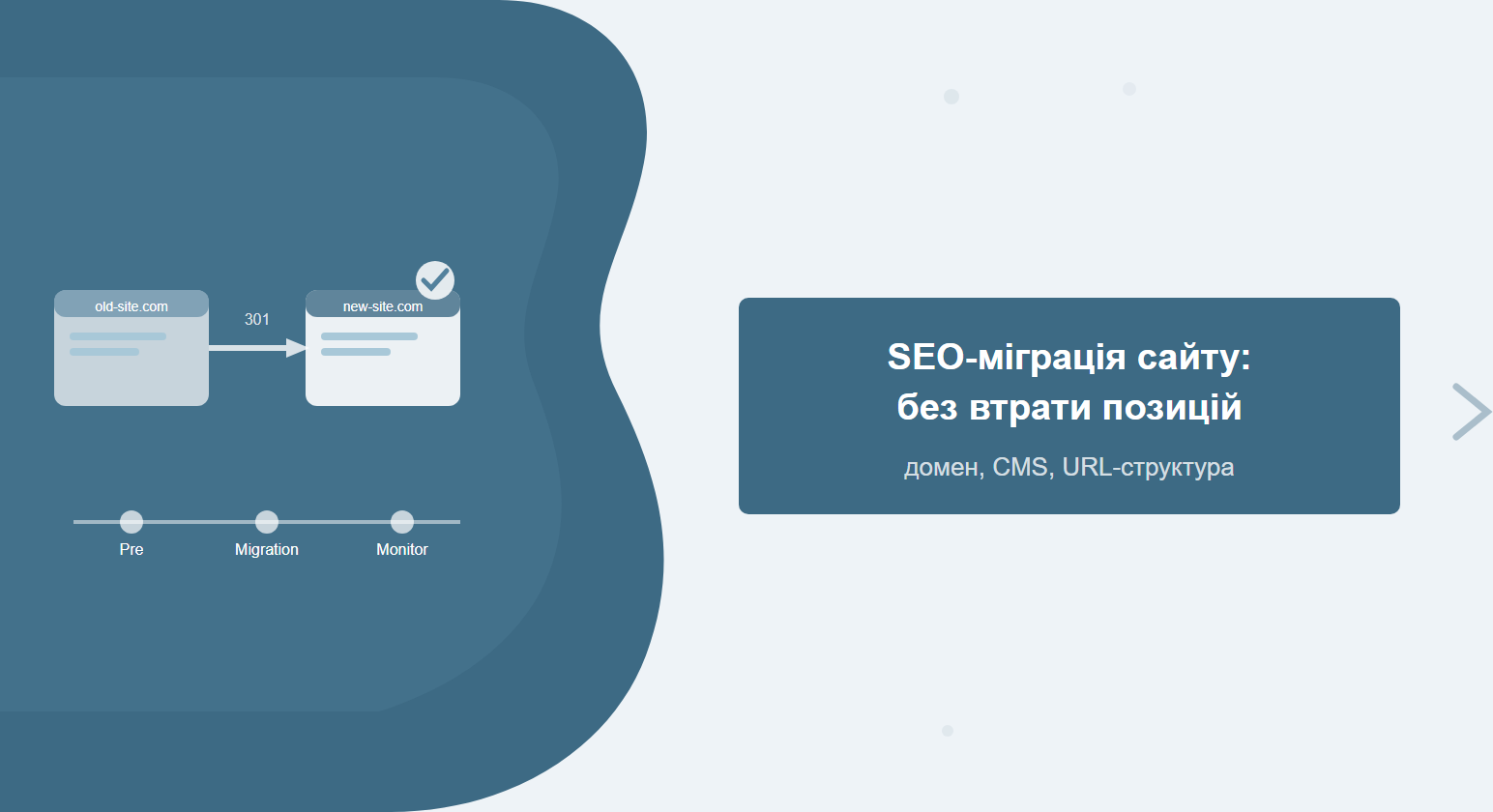
An SEO migration is not just a technical move. It is the kind of operation where some sites lose half their traffic for six months while others barely notice the change. The difference comes down to thorough planning and precise execution of every step in the checklist.
Migration types and their risks
Before kicking off the process, it is important to understand which type of migration you are dealing with — that determines the scope of preparation and the potential impact on your rankings.
A brief overview of each type:
- Redesign without URL changes — the safest option. Only the visual layer changes; the URL structure stays intact. Risk is minimal.
- HTTP → HTTPS — relatively safe when all HTTP variants have correct 301 redirects in place. Without redirects: content duplication and a rankings dip.
- URL structure change — medium risk. Requires a full URL mapping and a 301 for every changed slug.
- CMS change (e.g. WordPress → OpenCart) — medium-to-high risk due to potential URL changes, different canonical tag handling, and metadata structure differences.
- Site merger — a complex case: you need to decide which domain stays the primary one and migrate all assets to it.
- Domain change (rebranding) — the riskiest type. Even with perfect redirects, Google re-crawls the site from scratch, causing a temporary dip for 2–6 weeks.
Practical rule: if you are planning a domain change, pick a quiet season with low traffic. Never run a migration before peak sales periods or important product launches.
Pre-migration checklist: what to verify before you start
Most post-migration problems stem from insufficient preparation. This checklist is the minimum you need to complete before any significant site change. A thorough SEO audit before migration significantly reduces the risk.
| # | Checklist item | Tool | Status |
|---|---|---|---|
| 1 | Crawl the current site — capture all URLs | Screaming Frog | ☐ |
| 2 | Save a rankings snapshot (top-100 for each target page) | GSC / Ahrefs / Serpstat | ☐ |
| 3 | Record per-page traffic for the last 12 months | Google Analytics 4 | ☐ |
| 4 | Save the full backlink list | Ahrefs / Serpstat | ☐ |
| 5 | Take a full backup of the site and database | Hosting / FTP | ☐ |
| 6 | Check the current robots.txt and save a copy | Browser | ☐ |
| 7 | Save the current sitemap.xml | Browser / GSC | ☐ |
| 8 | Record all canonical tags | Screaming Frog | ☐ |
| 9 | Check existing redirects (are there already any chains?) | Screaming Frog | ☐ |
| 10 | Record hreflang attributes (for multilingual sites) | Screaming Frog | ☐ |
| 11 | List all external services linked to URLs (CRM, email campaigns, ad accounts) | Manual | ☐ |
| 12 | Review Google Search Console for current errors | GSC | ☐ |
| 13 | Identify highest-traffic pages — priority for URL mapping | GA4 + GSC | ☐ |
| 14 | Identify pages that do not need migrating (404s, duplicates, outdated content) | Screaming Frog + GA4 | ☐ |
| 15 | Set up a staging environment to test the migration | Hosting | ☐ |
| 16 | Block staging from indexing (robots.txt: Disallow: /) | Manual | ☐ |
| 17 | Agree on the migration date and maintenance window with the team | Manual | ☐ |
| 18 | Prepare a URL mapping template (Excel / Google Sheets) | Google Sheets | ☐ |
| 19 | Check page load speed (Core Web Vitals) | PageSpeed Insights | ☐ |
| 20 | Validate structured data (schema.org) | Rich Results Test | ☐ |
| 21 | Record Open Graph tags for key pages | Screaming Frog | ☐ |
| 22 | Assign a person responsible for post-migration monitoring | Manual | ☐ |
URL mapping: old address → new address
URL mapping is a correspondence table between old and new addresses. Without it, there is no way to set up redirects correctly. It is especially critical for large sites with hundreds or thousands of pages.
How URL mapping works in practice:
- Crawl the old site with Screaming Frog to get the full URL list.
- Open the list in Google Sheets. Add columns: old_url, new_url, redirect type, priority.
- Filter out pages with 404 status codes, duplicates, and zero-traffic pages that do not need migrating.
- For the highest-traffic pages (top 20%) — map manually. The rest can be handled automatically with slug-transformation rules.
- Verify that every old_url has a corresponding new_url — no gaps.
Automation tip: if you are only changing a prefix (e.g. removing /blog/ from every slug), you can use a Google Sheets formula to bulk-replace. But always do a manual final check for the top 100 pages.
301 redirects: the plan and common mistakes
A 301 redirect is the primary tool for passing SEO equity from old URLs to new ones. Properly configured redirects preserve up to 99% of PageRank (per Google). But even a small configuration mistake and you start losing rankings.
The most common redirect mistakes:
- Redirect loop (A→B→A) — browsers and search engines get an infinite cycle. The site becomes inaccessible.
- Redirect chain (A→B→C→D) — every extra hop erodes PageRank. The maximum should be one hop: old → new.
- 302 instead of 301 — a temporary redirect does not pass SEO equity. Use 301 for permanent changes.
- Forgotten HTTP variants — after moving to HTTPS, teams often forget redirects from http:// and http://www. All four variants must redirect to the canonical HTTPS version.
- Missing redirects for link-heavy pages — especially dangerous for pages with backlinks. Without a redirect the entire link juice is lost.
According to Google, a 301 redirect passes "almost all" SEO equity. However, chains of 3 or more hops can cause Googlebot to stop following the redirect chain entirely.
9 steps of SEO migration: a step-by-step guide
Below is the complete sequence of actions for a full SEO migration. Steps are grouped by phase: preparation, execution, and verification.
Step 1. Pre-migration: crawl and backup
Run a full crawl of the current site in Screaming Frog. Save the URL list, status codes, metadata, and page titles. Take a complete backup of the database and site files.
Step 2. Record current rankings and traffic
In Google Search Console, review rankings over the last 3 months. In GA4 — traffic by page. Save this data as a baseline for comparison after the migration. Without it you cannot tell whether the migration succeeded.
Step 3. URL mapping
Build a correspondence table of old_url → new_url for every page that will change address. Prioritise pages with the highest traffic and the strongest rankings.
Step 4. Redirect plan and implementation
Based on the URL mapping, configure 301 redirects. Confirm there are no chains or loops. Verify using Screaming Frog in List Mode: load all old_url values and confirm each returns a 301 pointing directly to the new_url.
Step 5. Internal links update
Replace all internal links with the new URLs directly in the code or database. Do not rely on server-level redirects for internal links alone — it creates unnecessary load and slows down crawling. For more detail on technical link health, see our article on technical SEO audit.
Step 6. Sitemap and robots.txt
Update sitemap.xml so it contains only the new URLs — remove any old addresses. Review robots.txt: confirm new URLs are not blocked. Pay special attention to any Disallow directives left over from the staging environment.
Step 7. Canonical tags
Verify that canonical tags point to new URLs, not old ones. A canonical pointing to the old URL tells Google the new page is a duplicate. For an in-depth look, see the article on canonical tag errors and best practices.
Step 8. Google Search Console
For a domain change: add the new domain as a separate property in GSC and use the "Change of Address" tool. For other migration types: submit the updated sitemap.xml. Request re-crawling of key pages via "URL Inspection".
Step 9. Post-migration monitoring
The first 48 hours are critical. Watch for 404 errors in GSC, traffic drops in GA4, and indexation of key pages. After that — scheduled weekly checks for 3 months.
Post-migration checklist: monitoring after the move
Migration success is not determined on launch day — it is determined in the weeks that follow. Here is what to monitor and when.
| What to check | Tool | 48h | 1 wk | 1 mo | 3 mo |
|---|---|---|---|---|---|
| New 404 errors | GSC → Coverage | ✓ | ✓ | ✓ | |
| Indexation status of key pages | GSC → URL Inspection | ✓ | ✓ | ||
| Traffic by page | GA4 | ✓ | ✓ | ✓ | ✓ |
| Rankings for target queries | GSC / Serpstat | ✓ | ✓ | ✓ | |
| Redirect chains (new ones) | Screaming Frog | ✓ | ✓ | ||
| Core Web Vitals | PageSpeed / GSC | ✓ | ✓ | ||
| Canonical tags on new URLs | Screaming Frog | ✓ | |||
| Sitemap in GSC (accepted / rejected) | GSC | ✓ | ✓ | ||
| Robots.txt (new URLs not blocked) | GSC → robots.txt | ✓ | |||
| Backlinks (donor update) | Ahrefs / GSC | ✓ | ✓ | ||
| Content duplication (new + old domain) | Screaming Frog / GSC | ✓ | ✓ | ||
| Structured data (rich results) | Rich Results Test | ✓ | ✓ | ||
| Total number of indexed pages | GSC → Coverage | ✓ | ✓ | ✓ |
Pay special attention to the 404 error count in the first 48 hours. A surge in new 404s signals that part of the URL mapping did not work. Fix it immediately.
Tip: enable email alerts in Google Search Console (Settings → Notifications). GSC will automatically send you an email if coverage errors spike or CTR drops sharply.
Typical mistakes that cost you traffic
Even experienced teams make these mistakes. It is better to know about them in advance.
1. Launching without a staging test
Test the full migration process on a staging server before going live on production. Without a test run you risk hitting unexpected issues at exactly the moment real users are on the site.
2. Leaving content live on both domains
After a domain change, the old site must either be blocked in robots.txt or set to redirect immediately to the new domain. If both domains serve the same content, Google will index both and dilute your link equity.
3. Ignoring internal links
Server-level 301 redirects are not a substitute for updating internal links in the code or database. Old internal links slow down crawling and can cause Googlebot to follow redirect chains instead of landing directly on the final URL.
4. Not updating external profiles
After changing URLs or the domain, update links in: Google Business Profile, social media, partner sites (where possible), email signatures, and advertising accounts.
5. Switching off GSC monitoring after the initial check
Regular GSC monitoring is mandatory for the first 3 months after migration. Some issues surface weeks later — for example, Google may re-crawl the old domain after 4–6 weeks and discover 404s where everything previously worked.
For thorough technical SEO after migration, we recommend running a full Google Search Console audit — it will surface any remaining indexation issues.
For official guidance, see Google's documentation on moving a site with URL changes.
Frequently asked questions
How long does an SEO migration take?
It depends on the scale. A simple HTTP-to-HTTPS move for a 50–100 page site takes 1–2 days of preparation plus 1 implementation day. A full domain change for an e-commerce store with 5,000+ URLs requires 2–4 weeks of preparation (URL mapping, testing, redirect verification) and another 2–3 months of post-migration monitoring.
Does traffic always drop after a migration?
A small temporary dip (5–15%) is possible even with a perfect migration — Google simply re-crawls and re-indexes the pages. A significant drop (30–80%) indicates errors: missing redirects, blocked URLs, or content duplication. A redesign that keeps all URLs intact should not affect traffic at all, provided the technical implementation is error-free.
How long should you keep 301 redirects after a migration?
At minimum 1 year — that is how long Google may need to fully re-index the site and update all external links in its database. The optimal approach is to keep redirects permanently. Their server cost is negligible, and the risk of removing them is real: users and bots with saved old URLs will hit 404s.
Can you migrate a site without an SEO specialist?
Simple migrations (HTTP→HTTPS for a small site) — yes, if you are technically prepared and follow the checklist carefully. A domain change, CMS switch, or large-scale URL restructure — no. The cost of a mistake is too high: recovering lost traffic can take 3–6 months.
Questions from AI search
What is an SEO migration and when is it needed?
An SEO migration is any significant change to a website that could affect search indexation: domain change, move to HTTPS, CMS switch, URL restructuring, or site merger. It becomes necessary whenever the existing URL structure, domain, or platform no longer fits business goals — and without proper planning it leads to temporary or permanent loss of rankings.
Which migration type is safest for SEO?
A redesign that preserves all existing URLs is the safest option — search engines continue indexing the same addresses. HTTP→HTTPS with proper 301 redirects ranks second. A domain change (rebranding) is the riskiest: even a flawlessly executed migration produces a temporary traffic dip of 2–6 weeks while Google re-indexes the site.
What are the first signs of problems after a site migration?
A sudden spike in 404 errors in GSC, an organic traffic drop of more than 20% in the first week, pages disappearing from the index (visible in GSC → Coverage), or a redirect loop making the site inaccessible in the browser. Any of these signals requires an immediate response — pausing the migration or initiating a rollback investigation.
Planning a migration or redesign?
SEO-Factory handles technical migrations end-to-end: from URL mapping and redirect planning to post-migration indexation monitoring.