Your shopping cart is empty!
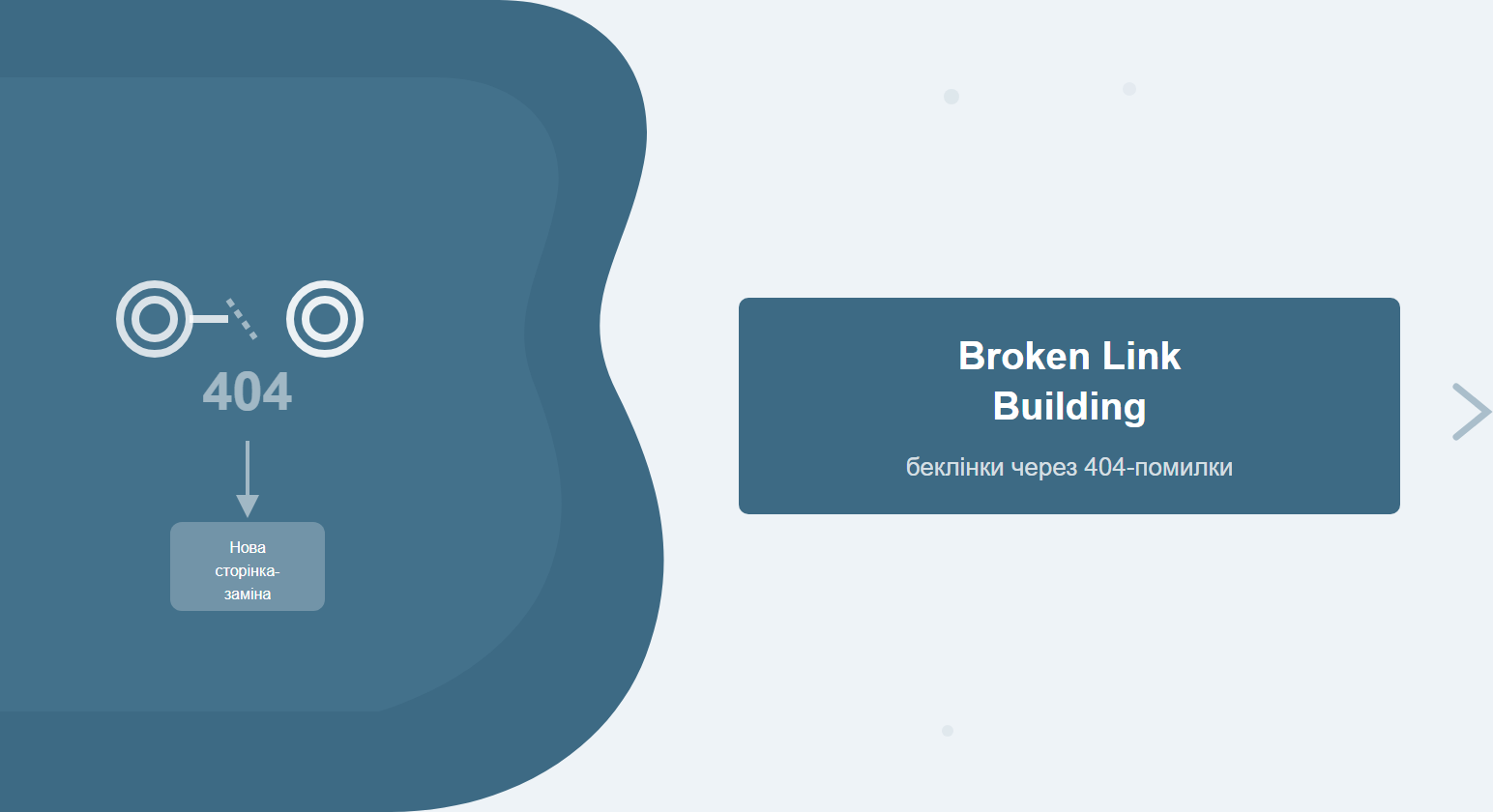
Broken link building is one of the few link-building methods where you approach a site owner not with a request for a link, but with genuine help: "you have a broken link — here's a replacement." That is exactly why the response rate averages 5–15%, compared to 1–3% for standard cold outreach.
Table of Contents
- What is broken link building and how it works
- Two BLB variants: offense and defense
- Tools for finding broken links
- Step-by-step BLB campaign guide
- How to create an effective replacement page
- Outreach template: what to write to the site owner
- BLB vs other link-building methods
- BLB campaign checklist
- Frequently asked questions
- AI answers to uncommon questions
What is broken link building and how it works
Broken link building (BLB) is a backlink acquisition technique based on finding dead external links on third-party websites. When a page is deleted or moved without a redirect, every link pointing to it becomes "dead" — it returns a 404 error. The owner of the referring site usually has no idea this has happened.
Your job: find these dead links within relevant niches, prepare a replacement page of equal or better quality, and offer the site owner a fix — replacing the broken URL with yours.
Figure 1. Four steps of broken link building — from discovery to earning the backlink
The core advantage of the method is donor motivation. Site owners want clean outbound links: a 404 hurts UX, inflates bounce rate, and can signal to search engines that a resource is neglected. You offer a fix — they get a resolved error, you get a backlink.
Two BLB variants: offense and defense
Broken link building has two scenarios that differ fundamentally in logic.
Variant A: broken links on other people's sites
You find pages in your niche that point to external broken URLs and offer the site owner your page instead of the 404. This is classic BLB — an active campaign to earn new backlinks.
Variant B: broken links pointing to your site
Ahrefs → Site Explorer → Backlinks → Broken shows links that previously pointed to your pages but now return 404 (you moved content without a redirect, changed your URL structure). These donors already wanted to link to you — all you need to do is ask them to update the URL, or set up a 301 redirect yourself.
Figure 2. Variant A — earning new backlinks; Variant B — recovering lost ones
Variant B is recommended as the starting point — it is simpler and faster. Recovering existing links requires no new content, only a correct redirect or a short email to the donor.
Practical rule: before launching classic BLB (Variant A), check Ahrefs for broken backlinks pointing to you (Variant B). This often recovers 10–30 backlinks in a few hours without creating any new content.
Tools for finding broken links
The choice of tool depends on campaign scale and budget. Below is a current comparison of the most popular options.
| Tool | Primary function | Price / plan | When to use |
|---|---|---|---|
| Ahrefs | Broken Outgoing Links and Broken Backlinks via Site Explorer | from $129/mo | Large-scale campaigns, competitor analysis |
| Screaming Frog | Site crawl, finds 404s across all outgoing links | £259/yr (free up to 500 URLs) | Deep analysis of a specific site |
| Check My Links | Checks links on the open page (Chrome extension) | Free | Quick check of individual pages |
| DeadLinkChecker | Online broken link audit for a website | Free / Pro $10/mo | Initial audit without installing software |
| Wayback Machine | View archived version of a deleted page | Free | Understanding what the broken link originally pointed to |
Figure 3. Ahrefs Broken Outgoing Links report mockup — typical view for competitor site analysis
Step-by-step BLB campaign guide
Here is how to run a complete campaign cycle — from the first search to the earned backlink.
Step 1. Find target sites
Start with competitors and authoritative resources in your niche. In Ahrefs, enter a competitor URL → Site Explorer → Outgoing Links → Broken. Filter by DR ≥ 20 to avoid wasting time on weak sites. Prioritise pages with organic traffic — a non-zero Organic Traffic figure is a good signal.
Quick list-building method: open 5–10 competitor articles in Chrome, run Check My Links — the extension highlights all broken links in red within 30–60 seconds. Copy the found 404 URLs into a spreadsheet.
Step 2. Understand the original content
Go to web.archive.org, paste the broken URL, and view the last saved snapshot. This tells you: what topic the content covered, what format it was (article, checklist, infographic), and how in-depth it was. These details determine what you need to offer as a replacement.
Step 3. Find or create a replacement page
Check whether you already have a similar piece. If you do — great, proceed straight to outreach. If not — assess whether creating new content makes sense. Rule of thumb: if the broken link has 3 or more quality referring domains, the content investment will pay off. For a single link on a weak site — probably not worth it.
Step 4. Send the outreach email
Find the contact address of the site owner or editor (Contact page, WHOIS, Hunter.io). Write a short, personalised email — template in the next section. Send on weekdays in the morning (9–11 AM recipient's timezone). Send one follow-up after 5–7 days.
How to create an effective replacement page
The replacement page is the cornerstone of BLB. If it is worse than the original, the site owner will decline or simply not respond.
Requirements for a quality replacement page:
- Topical relevance: covers the same or a broader topic than the deleted page
- Content depth: not shorter than the original (use the Wayback Machine archive as a benchmark)
- Currency: if the original was outdated, your page should include up-to-date information
- Format match: if the original was a checklist, the replacement should also be practical, not just a summary
- Technical cleanliness: fast loading, mobile-friendly, no internal 404 errors
Never offer your homepage or a commercial services page as a replacement — the site owner will immediately see that you want a link for its own sake, not to genuinely help their readers.
If you have no existing material, consider acquiring a domain with 410 pages in your niche and publishing quality content there. But for most campaigns it is more efficient to write one strong piece first and then look for broken links specifically pointing to that topic.
Outreach template: what to write to the site owner
The email structure should be as short and specific as possible. Here is a proven template:
Subject: Broken link on [donor page name]
Hi [name],
I was reading your article "[title]" and noticed a link that leads to a page that no longer exists:
[broken URL]
We have a piece on the same topic that might make a good replacement:
[your URL]
If it fits, we'd really appreciate it if you updated the link. Thanks for your time!
Best, [name]
A few rules for a higher response rate:
- Reference the specific donor page — not "your website" but "your article about X"
- Keep the first email lean — no "we're an agency with 10 years of experience"
- One follow-up after 5–7 days is enough
- Do not blast the same template en masse — spam filters and site owners both recognise it
BLB vs other link-building methods
Broken link building does not replace other methods — it complements them. Below is a comparison of the three most common approaches:
Figure 4. Comparison matrix: BLB, Skyscraper and Guest Post — advantages and limitations
For a comprehensive look at building a backlink profile, see our guide on link building for a website. It covers all the main methods in detail and how to combine them.
BLB scales poorly without automation. The number of broken links in your niche is finite, and you will exhaust easy opportunities over time. It therefore makes sense to combine it with crowd marketing and other ongoing link-building methods. For the technical side, see our technical SEO audit guide — it will reveal any site weaknesses before you launch a campaign.
Also keep in mind internal linking: backlinks pointing to pages with poor internal architecture scatter link equity and fail to deliver the expected SEO impact.
BLB campaign checklist
| # | Task | Tool | Status |
|---|---|---|---|
| 1 | Compile a list of competitors and niche resources | Ahrefs / manual search | ☐ |
| 2 | Check broken backlinks pointing to your own site (Variant B) | Ahrefs → Backlinks → Broken | ☐ |
| 3 | Find broken outgoing links on donor sites | Ahrefs / Screaming Frog / Check My Links | ☐ |
| 4 | Review original content via Wayback Machine | archive.org | ☐ |
| 5 | Filter out irrelevant links (DR < 20, off-topic) | Excel / Google Sheets | ☐ |
| 6 | Find or create a replacement page | CMS / content team | ☐ |
| 7 | Find contact details for site owners | Hunter.io / Contact page | ☐ |
| 8 | Send personalised outreach emails | Gmail / Lemlist / Mailshake | ☐ |
| 9 | Send one follow-up after 5–7 days to non-responders | Email / CRM reminder | ☐ |
| 10 | Verify that the backlink has appeared (after 2–4 weeks) | Ahrefs / Google Search Console | ☐ |
Frequently asked questions
What is broken link building?
Broken link building is a backlink acquisition technique based on finding dead (404) external links on third-party websites. You offer the site owner your relevant page as a replacement for the broken link. Because the owner is motivated to fix the error, the response rate is higher than in standard cold outreach.
What tools should I use to find broken links?
For large-scale campaigns — Ahrefs (Site Explorer → Outgoing Links → Broken or Backlinks → Broken) and Screaming Frog. For quick checks of individual pages — the Check My Links Chrome extension or DeadLinkChecker. To recover deleted content — the Wayback Machine (archive.org).
How long does a BLB campaign take?
One full cycle — from finding broken links to earning the first backlink — typically takes 2–4 weeks. Finding and verifying links: 3–5 hours. Creating or adapting a replacement page: 4–8 hours. Writing and sending outreach emails: 1–2 hours per 50 emails. Replies come within 1–3 weeks.
Is there a risk of a Google penalty for BLB?
Broken link building is a white-hat method. You are not buying or exchanging links — you are helping a site owner fix a 404 error. Risks are minimal as long as your replacement page is genuinely high-quality and relevant to the original content, and your outreach email does not look like spam.
AI answers to uncommon questions
Should I target competitor sites rather than niche resources?
Competitors are a good starting point, but not the only one. If your competitor links to a dead page, there is a chance that both of you are drawing from the same pool of donor sites. More valuable donors are often niche aggregators, educational sites, industry associations and journals — they rarely monitor their outgoing link quality and tend to carry higher authority.
What if the broken link points to a competitor's page, not mine?
This is the classic BLB situation. Check via the Wayback Machine what was on that competitor's page. If it has been deleted and you have an equal or better piece — offer yours confidently. You are not "stealing" a backlink: the competitor deleted their page and forfeited the link themselves. The referring site owner wants a live link, not a competitor's empty URL.
How do I scale BLB without Ahrefs on a limited budget?
A combination of free tools works: Google Search Console to identify your own broken backlinks (Variant B), Screaming Frog (free tier — up to 500 URLs) to crawl target sites, and Check My Links for manual page-by-page checks. To scale to 200+ sites without a paid subscription, you will need either a lot of time or a Python script using requests + BeautifulSoup to automate outgoing link checks. Ahrefs remains the gold standard — a free alternative will take 5–10 times longer. Also see the Ahrefs official guide to broken link building for advanced filtering strategies.
Want to earn backlinks without risking a Google penalty?
SEO-Factory builds link profiles through Broken Link Building, crowd marketing and Digital PR — methods that pose no threat to your domain.