
Your shopping cart is empty!
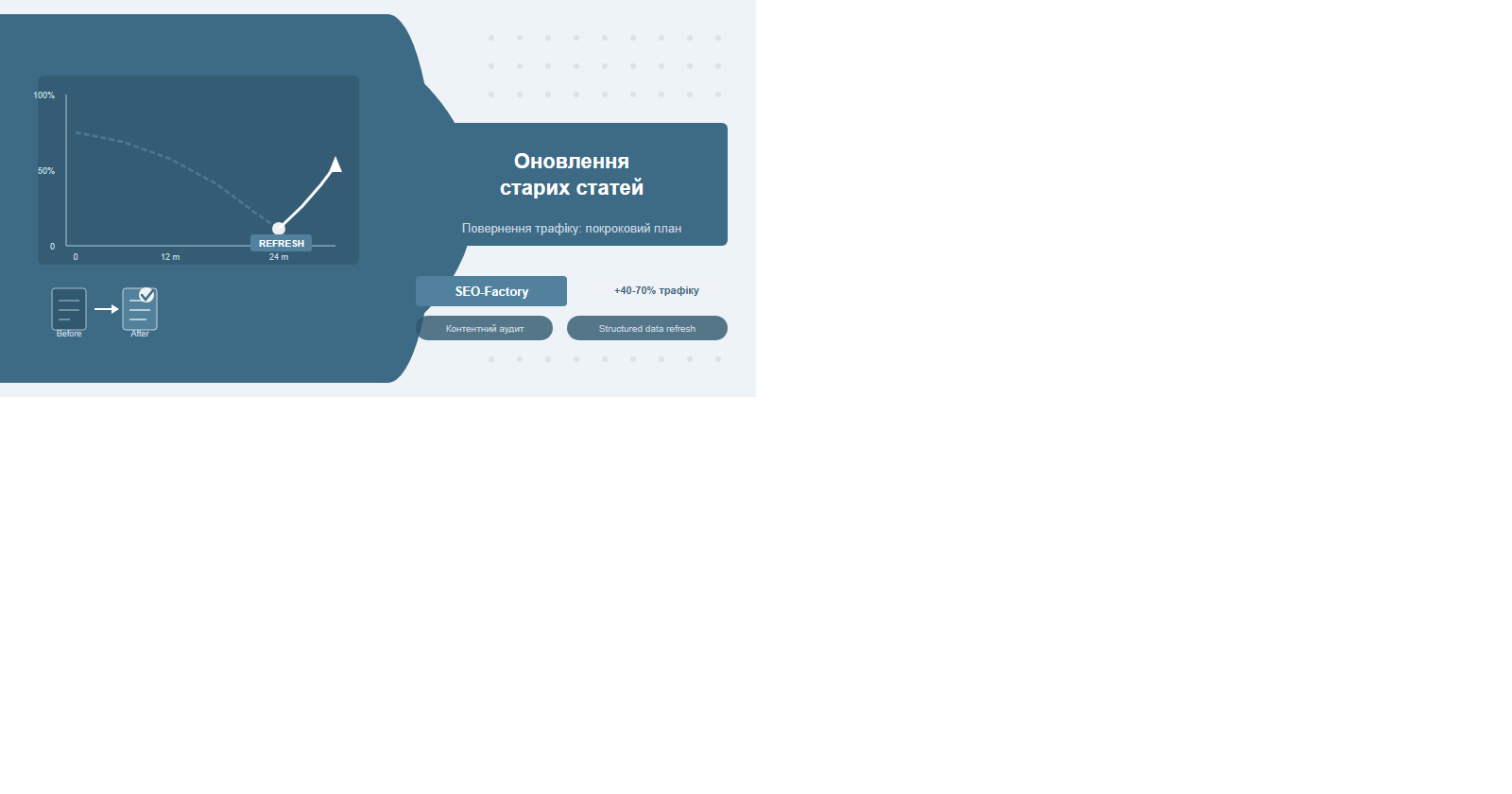
Refreshing old articles typically recovers 40–70% of lost traffic at a fraction of the cost of writing new content. The key is knowing which pages to prioritise, exactly what to change, and when a date update is justified.
Why articles lose traffic: 5 root causes
Organic traffic has a shelf life. Based on our experience at SEO-Factory across 80+ projects, most articles reach peak positions 6–14 months after publication, then begin a slow decline. The decline is predictable, and each cause has a specific remedy.
Outdated information is the most common culprit. If your article references "2022 research" or shows screenshots of an interface that no longer exists, users bounce immediately — and Google reads that bounce signal. A high early-exit rate tells the algorithm the page isn't satisfying the query. Competitors publishing stronger content is the second cause. SERPs are not static: within 18 months, a competitor with fresh data, embedded video and a clearer structure can move above you even if your link profile is comparable.
- Shifting search intent. "How to set up Google Analytics" meant Universal Analytics in 2022 — today it means GA4 with a completely different workflow. If your article answers the old version of a query, it will underperform even at the same ranking position.
- Technical decay. Broken outbound links, missing images, expired external sources — each one is a quality signal for Google and a frustration trigger for users.
- Algorithm updates. After major Google updates, articles can lose positions due to new E-E-A-T, helpfulness or structure requirements. Without active refreshing, they rarely self-recover.
A useful diagnostic: if an article is losing rankings but its inbound link count hasn't changed, the problem is almost certainly in the content or technical state of the page, not the backlink profile. This narrows the scope of work significantly.
Content audit: finding candidates for a refresh
A proper content audit takes 2–3 hours and produces a prioritised list. Without data, teams tend to refresh articles they remember writing rather than articles that actually need help. At SEO-Factory we start every audit the same way: export all URLs from Google Search Console with 16 months of data and build a comparison table.
The core filter: pages where clicks dropped 30% or more comparing the last 6 months against the preceding 6. Then segment by position. Articles sitting at positions 4–20 are the highest-priority candidates — Google already considers them relevant, and a modest content improvement can push them into the top 3. Articles at positions 1–3 with low CTR are a separate case: the issue is the snippet (title and description), not the body text.
Combine Google Search Console data with Screaming Frog for technical hygiene. Export all URLs, add click and position columns, sort by traffic decline — you get a ready-made priority list in under 30 minutes. Filter out pages created in the last 6 months: they're still maturing and shouldn't be refreshed yet.
Three tiers of candidates
- Tier 1 — Immediate refresh: positions 4–20, clicking declined 30%+, article older than 12 months.
- Tier 2 — CTR optimisation: positions 1–10, low CTR (under 3%), problem is in the snippet not the content.
- Tier 3 — Deep rewrite or merge: positions 30+, minimal traffic historically, competing with your own other articles on the same keywords (cannibalization).
Signals that an article needs updating
Not every article needs regular refreshing — some evergreen pieces hold positions for years without intervention. The goal is to react to signals rather than follow a fixed schedule. Six signals that should prompt action:
| Signal | Where to check | Action threshold | Response |
|---|---|---|---|
| Click decline | Google Search Console | -30% over 3 months | Content audit + competitor comparison |
| High bounce rate | GA4 | Above 75% | Check if headline matches content and intent |
| Low time on page | GA4 | Under 1 minute | Restructure, add practical sections |
| Competitor overtook ranking | Ahrefs / Semrush | Position dropped 3+ places | Compare depth, structure, data freshness |
| Broken outbound links | Screaming Frog | Any 404 | Replace or remove the link |
| Article age | CMS | Over 18 months old | Audit for data accuracy and example relevance |
"One of our clients in the B2B SaaS niche had an article sitting at position 7 for two years with stable traffic. When a competitor published a version with a detailed comparison table and embedded demo video, our client's article dropped to position 14 in eight weeks. After a structured refresh — adding the comparison table, updating the pricing data and adding a video embed — it returned to position 5 within six weeks."
What to update: the full checklist
Once you've identified a candidate, work through four blocks systematically. Skipping any one of them leaves a gap that limits the impact of the refresh.
Content block
- Update all statistics, data points and dates — replace references to old studies with current sources.
- Remove or rewrite outdated examples — screenshots of old interfaces, references to discontinued tools.
- Add new sections covering topics competitors address that your article doesn't.
- Strengthen the opening paragraph — it must deliver a direct answer within the first 100 words, not a preamble.
- Add real experience and case studies — E-E-A-T requires demonstrated expertise, not just theory.
- Expand actionable sections — step-by-step guides, checklists, comparison tables.
Technical block
- Check all outbound links — replace or remove broken ones.
- Optimise images — convert to WebP, update alt text, check file sizes.
- Verify page speed after adding new elements using PageSpeed Insights.
- Check mobile rendering of new tables and layout blocks.
- Review Core Web Vitals — particularly LCP and CLS when adding media. See our detailed guide: Core Web Vitals: LCP, INP and CLS.
Structure block
- Revisit the H1 — does it reflect the current search intent in 2026?
- Review the H2–H3 hierarchy — is the structure logical, are there missing subtopics?
- Add or update the FAQ section — this is often what unlocks featured snippets.
- Update the table of contents if the structure has changed.
After every update, use Google Search Console — URL Inspection — Request Indexing. Without this, Googlebot may not discover your changes for weeks, especially on smaller sites with limited crawl budget.
Partial refresh vs full rewrite
The question comes up on almost every project: should we update the existing article or create a new one? The answer depends not on the article's age, but on three factors: whether the URL has link equity, whether the search intent has shifted fundamentally, and how much of the content needs to change.
A special case worth mentioning: keyword cannibalization. If you have two or three articles competing for the same keywords, the best solution is to merge them into one comprehensive page, set up 301 redirects from the duplicates, and consolidate all link equity into a single URL. This often produces faster ranking improvements than writing brand new content.
When rewriting is the decision, keep the scope disciplined. Focus on the three elements that most affect rankings: topic depth relative to the top 3 competitors, quality of internal linking, and presence of structured data. Everything else is secondary.
Updating meta tags and structured data
Meta tags are the first thing Google and users see in search results, and they directly drive CTR. After updating the article body, meta tags must be reviewed regardless of how substantial the content changes were. Our full guide covers this in depth: SEO meta tag optimisation: title, description, H1–H3.
Title
Check whether the title contains a year reference that's now outdated, whether it matches the 2026 search intent for the target query, and whether it stays within 60 characters. Adding words like "step-by-step", "with examples" or "checklist" often increases CTR by 15–25% without any change in position.
Description
The description must promise a specific value — not "learn everything about X" but "a step-by-step guide with real-project examples, benchmarks and a decision framework". Optimal length: 140–160 characters. Place the target keyword within the first 60 characters — Google often bolds it in the snippet, which increases visual prominence.
Structured data
- Article / BlogPosting: update
dateModifiedafter substantial changes. - FAQPage: synchronise questions and answers with the article body — they must match exactly.
- HowTo: verify step count and content — when you add steps in the text, update the JSON-LD too.
Validate all structured data changes through Google Rich Results Test after every update. Errors in JSON-LD don't break the page, but they silently cost you rich snippets — and rich snippets can lift CTR by 20–30%.
Refreshing internal links
Internal linking during a content refresh serves two distinct purposes: fixing links within the article being updated, and adding links to the refreshed article from newer pages. The second task — often overlooked — typically delivers a stronger SEO impact than the first.
Newer pages are crawled more frequently. When recently published pages link to your refreshed article, Googlebot discovers the updates faster and re-evaluates the page's relevance sooner. This is the mechanism behind the "link from new to old" strategy that accelerates ranking recovery. Read more about internal link architecture in our post on internal linking and link flow.
Internal link refresh workflow
- Use Screaming Frog to export all outbound links from the article — identify any returning 404s.
- In the CMS, find all articles published after the one you're refreshing that cover related topics.
- Add a contextual link from each relevant new article to the refreshed one, using descriptive anchor text — not "click here".
- Confirm the refreshed article links to the main commercial service pages where topically relevant.
- Check that total outbound link count per page doesn't exceed 15–18.
Across 40+ projects we've tracked at SEO-Factory, combining a content refresh with internal link updates consistently delivers 25–35% better results than updating text alone. The crawl frequency increase from fresh inbound links is the key mechanism.
When to republish or quietly update the date
Date management is nuanced. Google uses freshness as a ranking signal — particularly for queries where recency matters (technology, finance, health, news). But changing a date without meaningfully updating the content can backfire. The rule: the date should reflect the actual state of the content, not serve as a manipulation tactic.
| Type of change | Edit scope | Date action | Request indexing |
|---|---|---|---|
| Typos, formatting fixes | <5% | No change | Not needed |
| Stats, link updates | 5–20% | No change | Recommended |
| New sections, examples | 20–40% | Update dateModified | Required |
| Major structural rewrite | 40–70% | Update both dates or dateModified | Required |
| Full rewrite, same URL | >70% | New publication date | Required |
When you do update the date — be transparent with readers. Add a line at the top: "Updated [Month 2026]" or "Reviewed and updated for 2026". Some publications include a short "What changed" block listing the updated sections. This builds reader trust and sends a clear freshness signal to Google without appearing manipulative.
Measuring the results of a content refresh
Recording baseline metrics before you start is non-negotiable. Without a before-state snapshot, you can't measure ROI, identify what worked, or replicate the approach on other articles. According to Moz research on content refresh strategy, systematic article updates recover an average of 30–60% of lost traffic when executed with proper methodology.
Baseline metrics to capture before updating
- Position snapshot for target keywords via Ahrefs or Semrush.
- Clicks and impressions for the last 28 days in GSC.
- Average CTR for the specific page.
- Time on page and engagement rate in GA4.
- Inbound link count via Ahrefs.
Timeline for evaluating results
The first meaningful signal arrives in 2–3 weeks: watch for increased crawl frequency in GSC — Coverage reports and Crawl Stats. Ranking shifts typically appear within 6–8 weeks. Full traffic stabilisation at a new level takes 10–14 weeks. If positions haven't moved after 8 weeks, the problem may lie in the backlink profile rather than the content — and a link building campaign should be considered alongside the next refresh round.
Create a dedicated GSC filter for refreshed URLs and track their performance separately from the rest of the blog. This gives a clear ROI picture without the noise of sitewide traffic fluctuations.
Frequently Asked Questions
How do I know which articles are worth updating?
Focus on articles that previously had traffic and now sit at positions 4–20 with declining clicks. These have proven relevance with Google and the highest ROI potential. Articles that never generated meaningful traffic are lower priority — they may need a deeper rewrite or merge.
Should I always change the publish date after updating an article?
Only for substantial changes — more than 40% of the content rewritten, new sections added, or significantly outdated facts corrected. Minor edits like fixing a broken link or updating one statistic don't warrant a date change. The date should reflect reality, not be used as a manipulation signal.
How long does it take to see results after refreshing an article?
First signals appear in 3–4 weeks (increased crawl frequency). Ranking changes typically show within 6–8 weeks. Full traffic stabilisation takes 10–14 weeks. Submitting a re-indexing request in GSC immediately after updating can shorten this to 2–4 weeks for sites with strong crawl budgets.
Is it better to update an article or write a new one?
If the URL has backlinks and historical traffic, always update in place. Creating a new URL means losing accumulated link equity — even a 301 redirect passes only ~90–95% of link weight. Only write a new page if the old URL is poorly structured (Cyrillic slug, no keyword) or the topic has completely changed.
Can content refresh help recover from a Google algorithm update?
It can, particularly when the ranking drop is tied to content quality, thin sections or outdated information. If the drop stems from a sitewide issue — thin overall content, spammy backlink profile or Core Web Vitals problems — a broader technical and content audit is needed first before refreshing individual articles.
Need a content audit and article refresh service?
SEO-Factory runs a full blog audit, identifies high-ROI refresh candidates, and executes the updates end-to-end — with before/after reporting on results.
Request a content strategy